
Download Photo Scissors – Photo Editing Tool, Image Retouching, Object Removal
Overview
Photo Scissors is a mobile application designed to simplify advanced photo retouching techniques for users of all skill levels. Its primary purpose is to empower individuals to edit images with precision and ease, addressing common challenges such as unwanted objects, uneven compositions, and subtle imperfections. Whether capturing candid moments or crafting professional-quality visuals, the app provides tools that streamline the editing process without requiring technical expertise. It is particularly useful for amateur photographers, social media content creators, and anyone seeking to enhance their photos without relying on complex software.
The app targets everyday smartphone users who want to refine their images quickly and effectively. By offering intuitive controls and guided workflows, Photo Scissors reduces the learning curve typically associated with photo editing. Although the developer did not provide additional background information, the app’s long-standing presence since its release on October 21, 2011, suggests a proven track record in the mobile editing space. Its continued relevance highlights its importance in the mobile productivity ecosystem, especially for users seeking accessible, on-the-go image enhancement tools.
Real-world use cases include removing distractions from vacation photos, adjusting spacing between subjects in group shots, and refining details in portraits. These capabilities make it a practical utility for both personal and light professional use. The inclusion of interactive tutorials further strengthens its value by supporting user education and confidence-building.
Key Features & Functionality
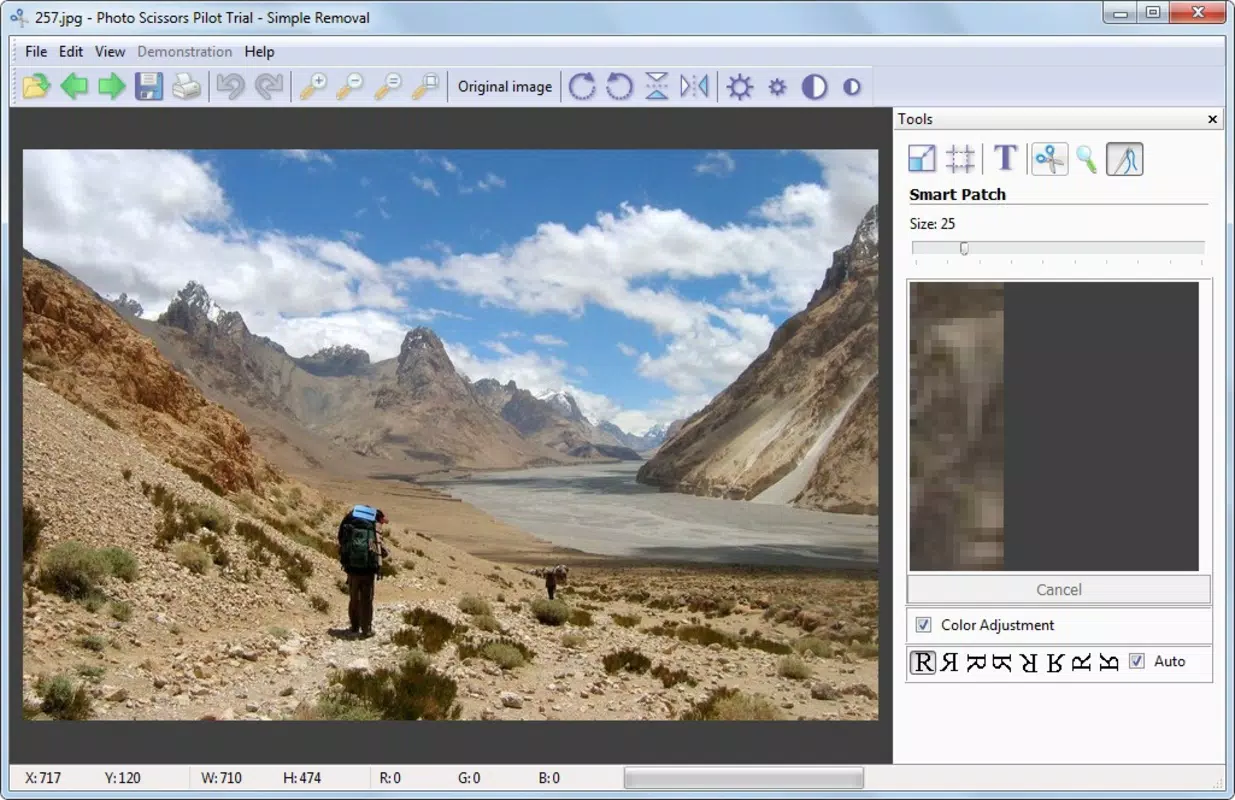
- Easy Object Removal: Users can eliminate unwanted elements—such as people, poles, or debris—from photos with minimal effort. The app intelligently fills in the removed area, preserving the surrounding context to create a natural-looking result.
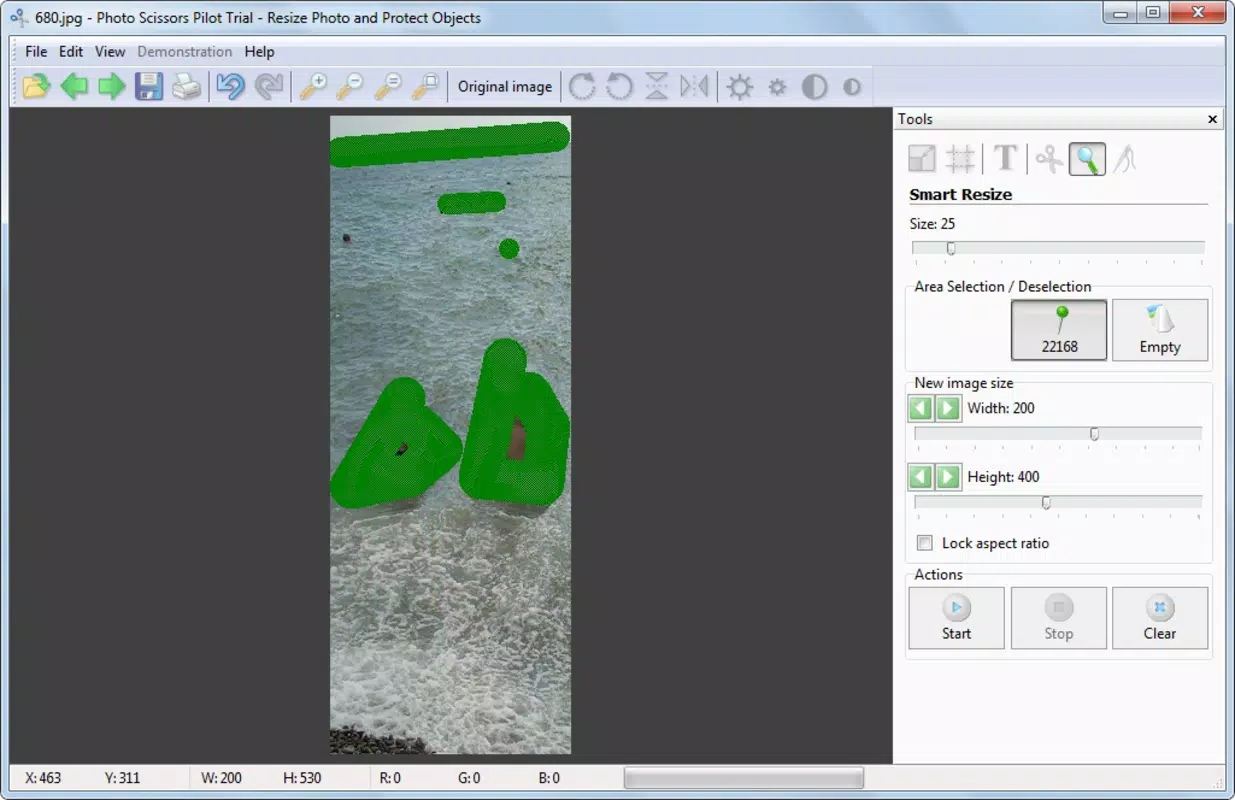
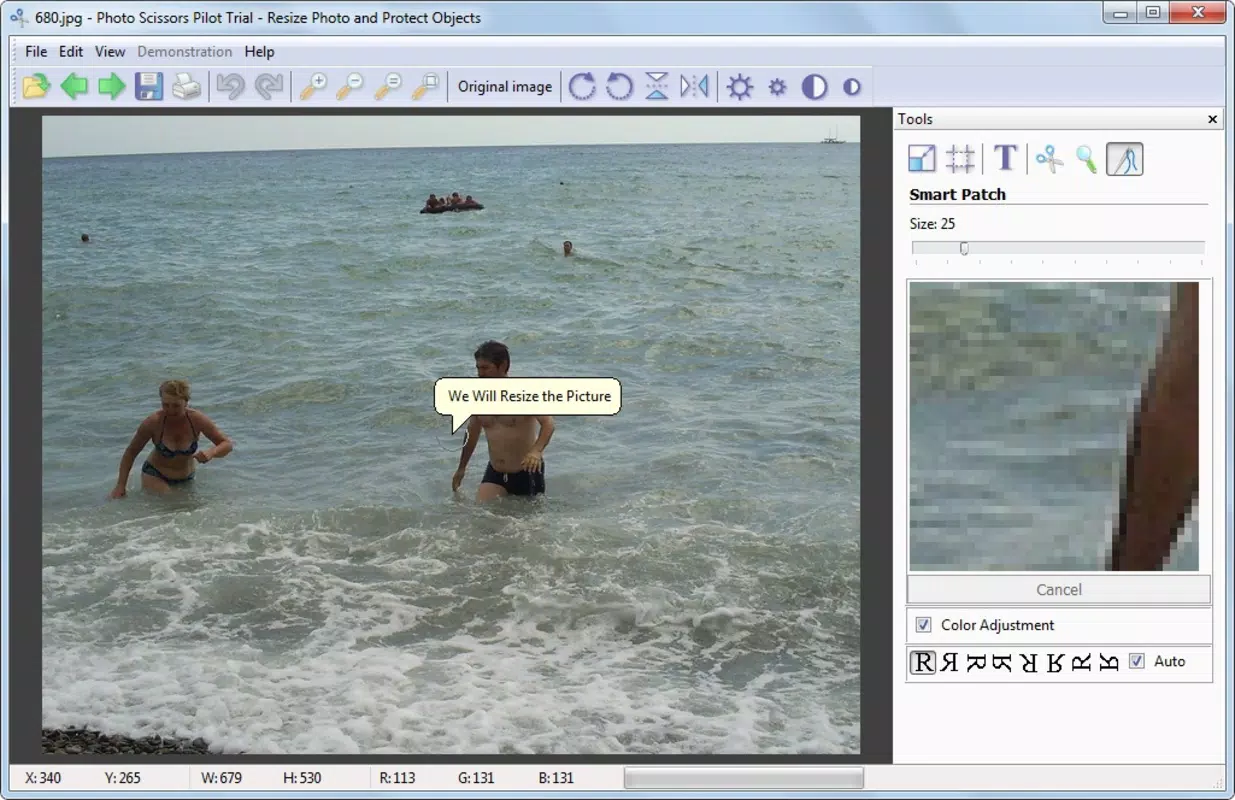
- Proportional Object Adjustment: This feature allows users to reduce the distance between two elements in a photo while maintaining their original size and proportions. It’s ideal for improving visual balance in crowded scenes or adjusting spacing in architectural shots.
- Subtle Touch-Ups: The tool enables precise edits to specific regions of an image, allowing for enhancements like smoothing skin tones, brightening shadows, or refining edges without over-editing.
- User-Friendly Interface: Designed with accessibility in mind, the interface guides users step-by-step through each editing process. Clear icons, logical layout, and real-time previews ensure a smooth experience even for first-time users.
- Interactive Tutorials: Built-in tutorials walk users through common editing tasks, demonstrating how to use each feature effectively. These resources help users maximize the app’s potential and build confidence in their editing abilities.
For example, a user could remove a passerby from a beach photo by selecting the person and applying the removal tool, resulting in a clean, distraction-free background. Similarly, a photographer might use proportional adjustment to bring two people closer together in a group picture without distorting their appearance. The combination of these features makes Photo Scissors a versatile tool for both quick fixes and thoughtful refinements.
Interface, UX & Performance
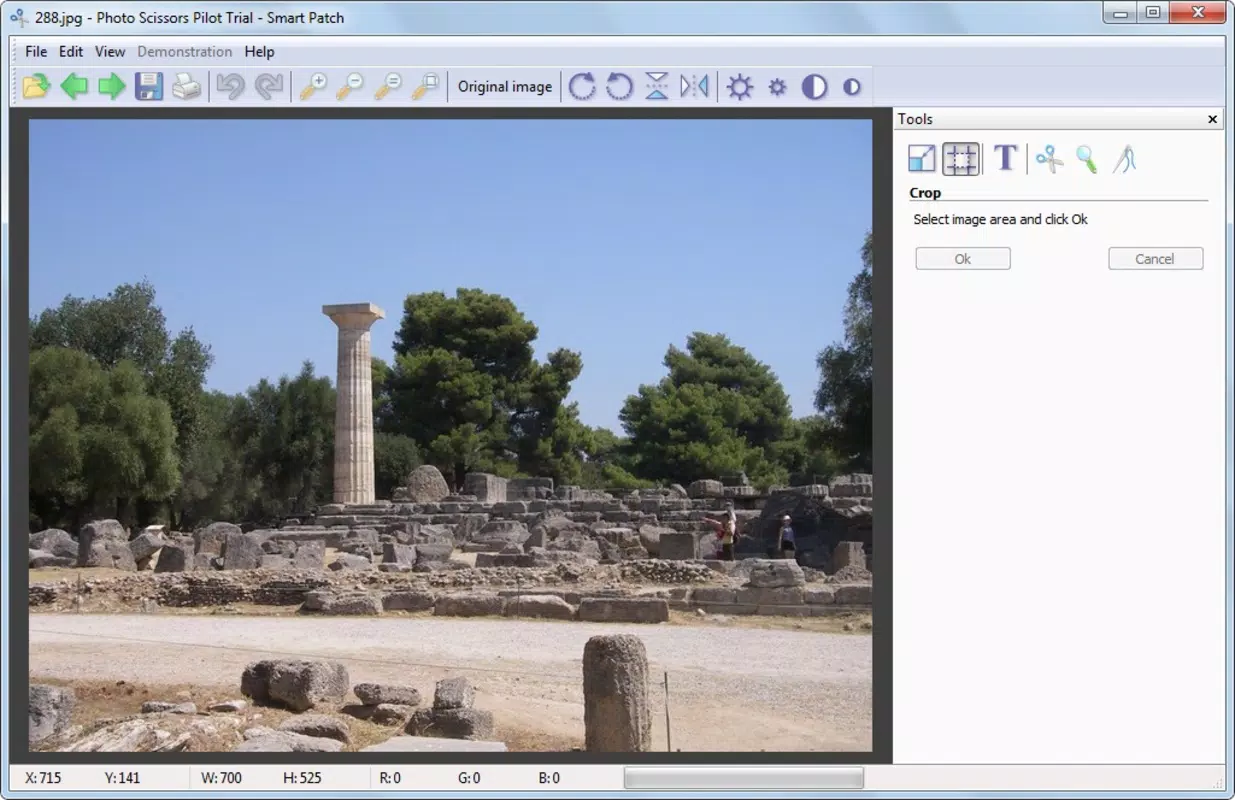
Photo Scissors features a clean, minimalist interface that prioritizes usability. The layout is organized around core editing functions, with tools grouped logically and accessible via clearly labeled icons. Navigation is intuitive, allowing users to switch between tasks—such as object removal, adjustment, and touch-ups—with minimal friction. Real-time previews update instantly, enabling users to see changes as they apply them, which enhances the overall editing experience.
Although the developer did not list formal performance metrics, the app’s design suggests it is optimized for responsiveness across various device categories. Users can expect smooth interactions during basic editing tasks, with minimal lag or delay. Stability appears to be consistent, especially given the app’s long availability on the market. However, specific requirements for performance under different hardware conditions were not disclosed.
For users on older or lower-end devices, the app may still function adequately due to its efficient design, though heavy editing sessions could impact responsiveness. The lack of detailed technical specifications means users should rely on personal testing for performance feedback. Overall, the focus on simplicity and immediate feedback contributes to a positive user experience, even for those with limited editing experience.
Platform Compatibility & Technical Requirements
Photo Scissors is available on Android and iOS platforms, supporting a wide range of mobile devices. The current software version is not specified, nor is the exact file size. Compatibility with specific operating system versions was not fully disclosed by the developer. As such, users are advised to check their device’s app store listing for the most accurate information regarding system requirements.
The developer did not specify minimum OS requirements, making it difficult to determine compatibility with older or newer devices. However, the app’s release date of October 21, 2011, indicates it has been in circulation for over a decade, suggesting it has been updated to maintain compatibility with evolving mobile ecosystems. Users seeking the latest version should ensure their device supports the most recent app updates.
Pros and Cons
Pros
- Intuitive interface suitable for beginners and experienced users alike
- Effective object removal with natural-looking results
- Proportional adjustment maintains image integrity during edits
- Interactive tutorials enhance learning and usability
- Designed for quick, on-the-go photo enhancements
Cons
- Specific technical requirements were not listed
- Performance details on different devices were not provided
- Developer background and company information were not disclosed
- Updates and support history are not publicly documented
- Limited visibility into advanced editing capabilities beyond basic tools
FAQ
Is Photo Scissors safe to download and use?
Yes, the app is available through official app stores, which ensures it meets basic security standards. Always download from trusted sources to avoid unauthorized versions.
Can I use Photo Scissors on both Android and iOS?
Yes, the app is compatible with both Android and iOS platforms. Availability may vary slightly depending on your device and region.
Does Photo Scissors require an internet connection?
Basic editing functions can be performed offline. However, some features like tutorials or updates may require an internet connection.
How often is Photo Scissors updated?
The update frequency is not publicly disclosed. Users should check their app store for the latest version and release notes.
Can I edit multiple photos in one session?
Yes, the app allows users to process multiple images sequentially within a single editing session, enhancing workflow efficiency.
Final Thoughts
Photo Scissors stands out as a reliable, user-focused tool for mobile photo editing. Its combination of powerful features—object removal, proportional adjustment, and targeted touch-ups—delivers tangible improvements to image quality without overwhelming users. The emphasis on accessibility through a clean interface and interactive tutorials makes it ideal for those who want to enhance their photos without investing in complex software.
While some technical details remain undisclosed, the app’s longevity and consistent functionality suggest a stable and well-maintained product. It is especially beneficial for casual photographers, social media users, and content creators who value simplicity and effectiveness. For anyone seeking a secure, easy-to-use mobile app to refine their images, Photo Scissors offers strong value.
Download Photo Scissors now


